

Setup Creator Software

Setup Creator Software

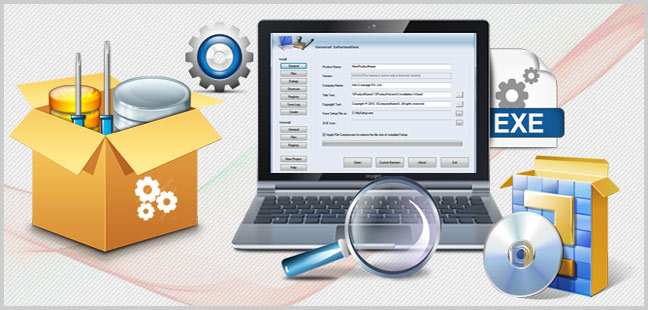
Setup Creator Utility generates self extracting exe file which helps in deploying windows application over internet or other media. Software generates small and compact size setup package (exe files) which takes less memory space, less turnaround time to install.


Download
Buy Now
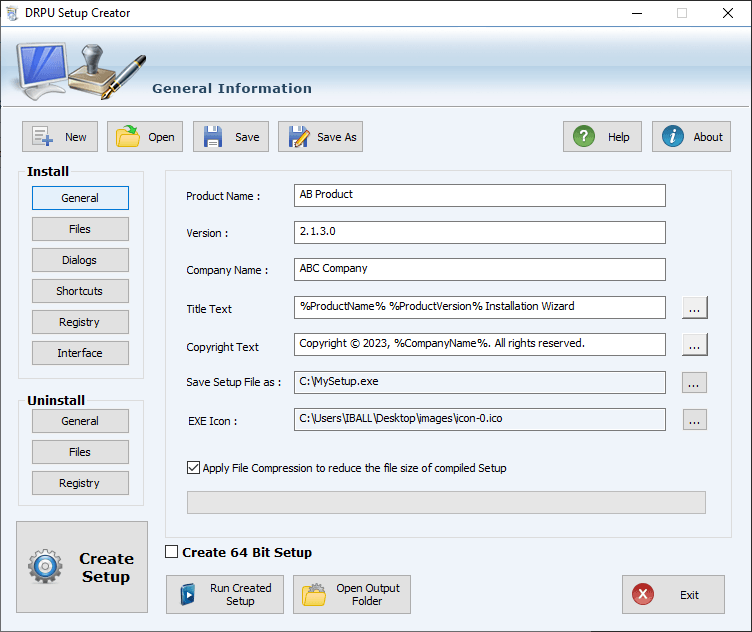
Dialogs and Path
Setup Maker Software creates self executable files installer with complete details of product name, version, title, company name etc.
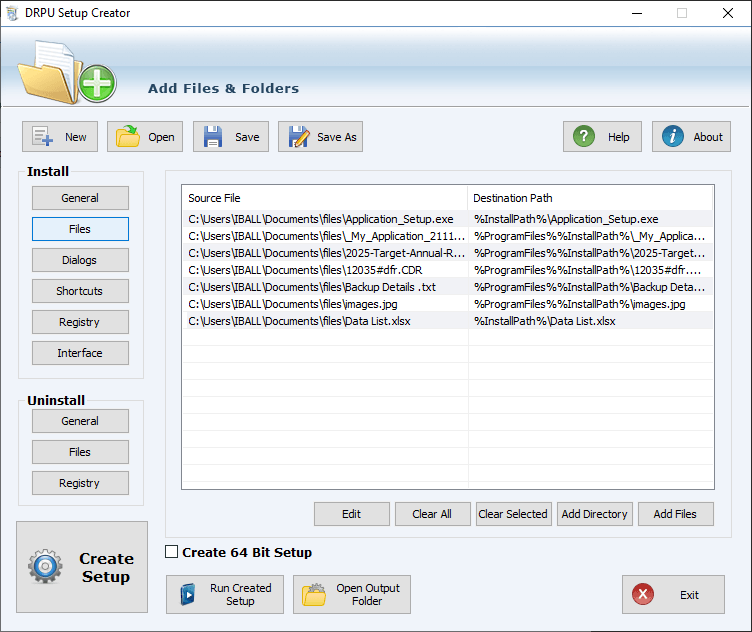
Multiple Files and Folders
Setup Maker Software facilitates you to add multiple files or folders by using the files option in the install section.
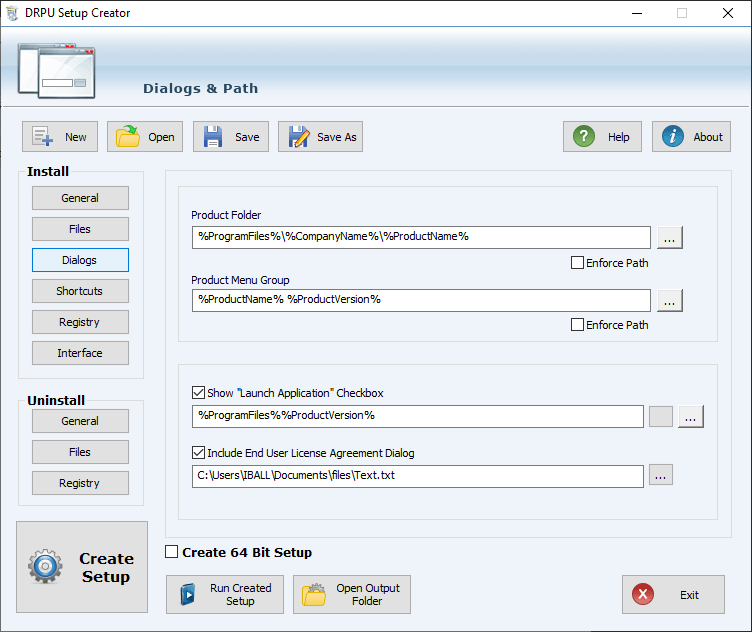
Dialogs option Launch Application
By using dialogs option in setup maker software you can launch application by enable it and you can also include end user license agreement.
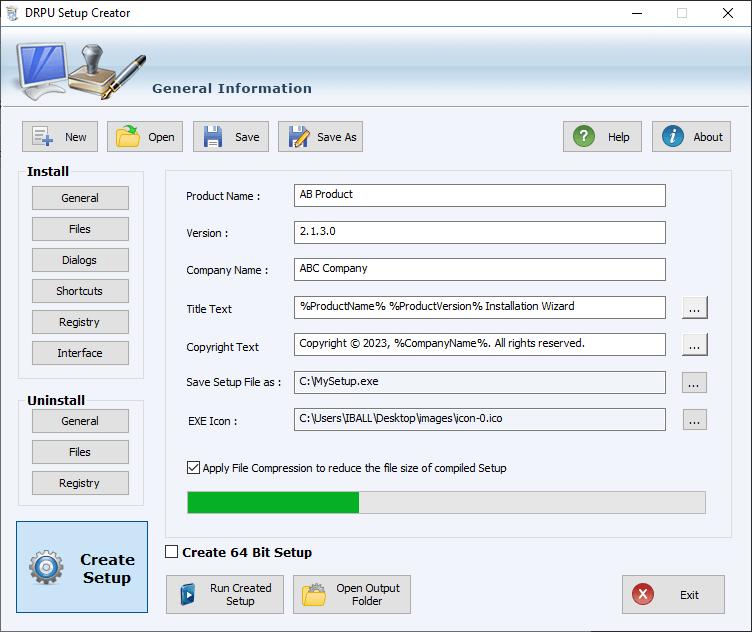
Uninstall and Scaning all information
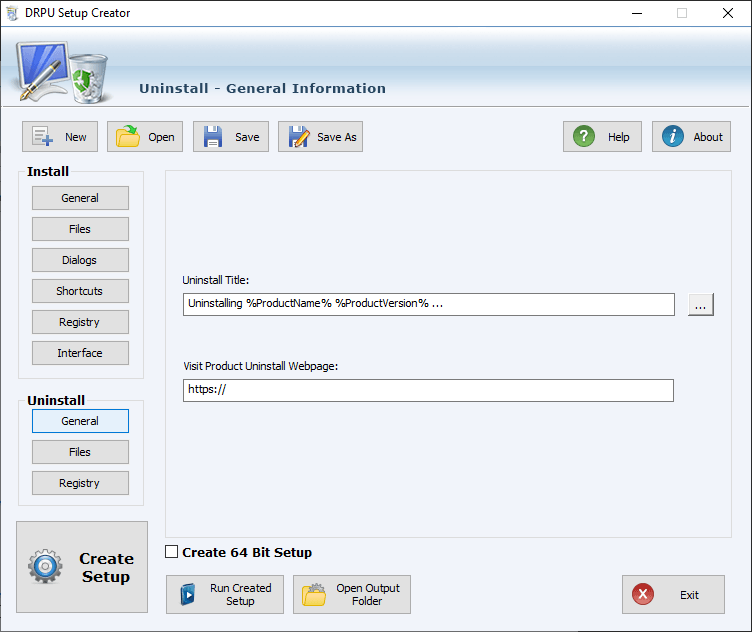
Click on General Button in Uninstall menu to specify Uninstall title and webpage of product for which you want to make Uninstallation package. and scanning all details.
Uninstall - General Information
Add title and url of the webpage to uninstall the installer using Setup Maker Software.
MSI to EXE Creator Software

MSI to EXE Creator Software

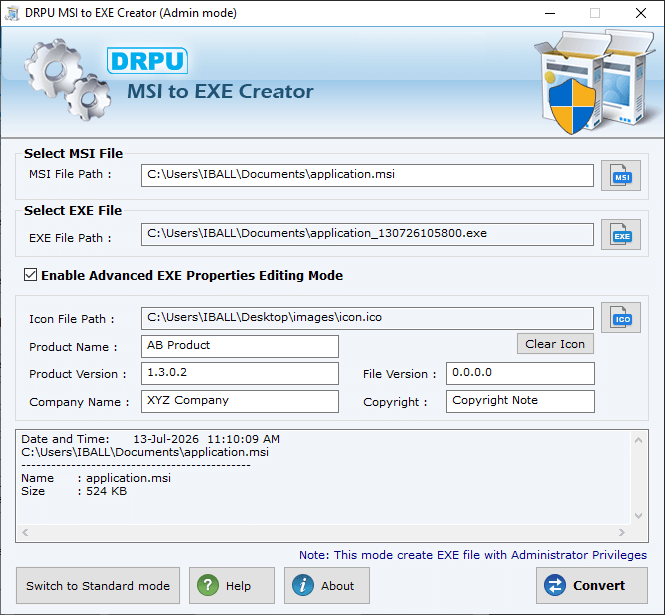
MSI to EXE Creator Program generates EXE (Executable File) from your Existing Microsoft .MSI (Windows Installer) files. Software converts executable (.exe) setup files by using the original Microsoft installer (.MSI) files format without altering the basic functionality and structure of your application.
Download
Buy Now
Browse MSI File
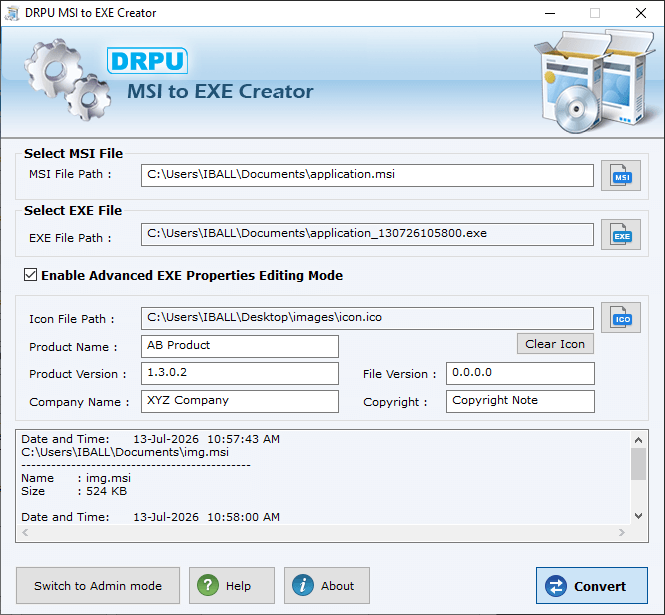
Select "Enable Advanced EXE Properties Editing Mode" Checkbox to define Icon, Product Name, Version, Company Name and Legal Copyright details while creating EXE file.
Convert files and Folders
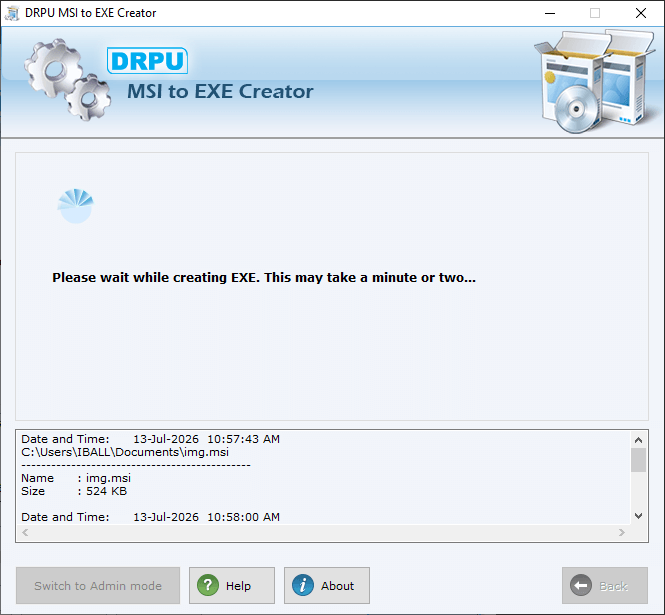
MSI to EXE Creater takes a minute to convert .msi file into .exe format.
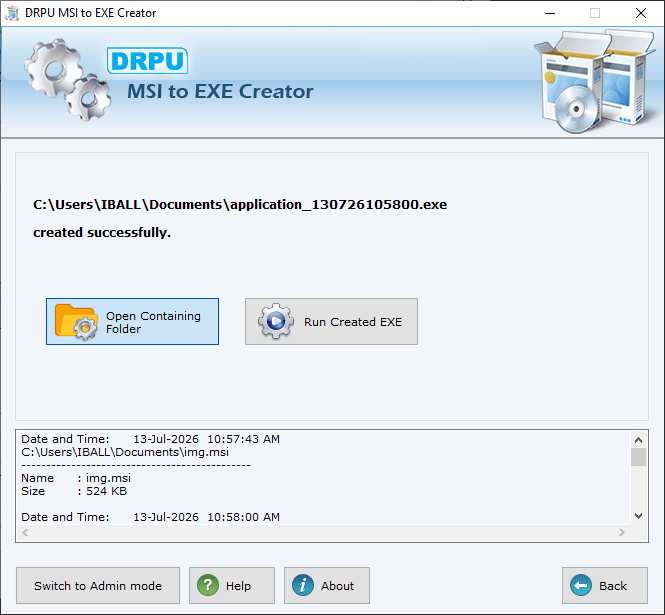
Project successfully Cretaed
Wizard shows exe file of your project is successfully created.
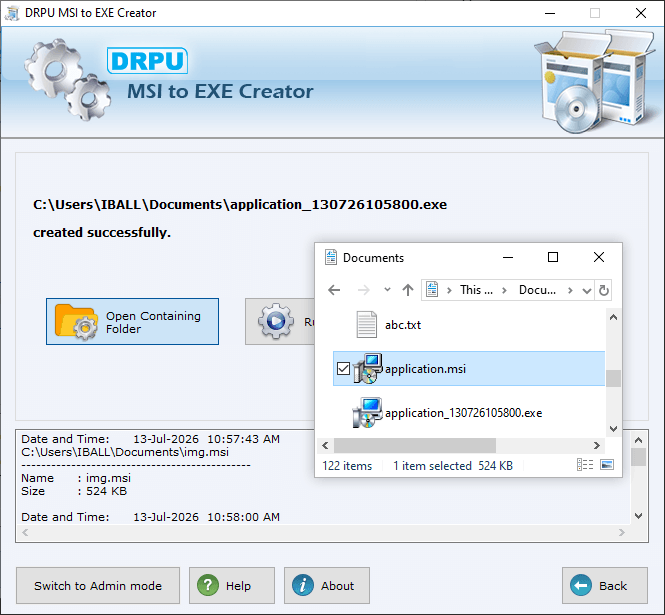
Open Contaning Folders
Open a contaning Floder Select Files
Editing Mode aand Convert files
Enable Advanced EXE properties editing mode and click on Convert button to convert into .exe file format.
Advantage of Setup Builder
Professional Touch

Professional Touch
Highly meticulous EXE Builder Utility equipped with well balanced features.

Multilingual Supporting Tool

Multilingual Supporting Tool
Facilitates user (Programmer, Developer, Coder etc) to let them build their project using all major languages or any platform.

Compact Installation

Compact Installation
Assures highly optimized code size thus contributing faster setup download over internet.